
You know what’s really fascinating about ARGB lighting? It’s not just about making your PC look like a neon-lit cyberpunk dream – though let’s be honest, that’s a big part of the appeal. What truly sets addressable RGB apart is how it transforms static components into dynamic canvases for personal expression. I remember when RGB first hit the scene, we were stuck with single-color static lighting or basic rainbow cycles that made every build look identical. But ARGB? That’s a whole different beast.
The Magic Behind Individual LED Control
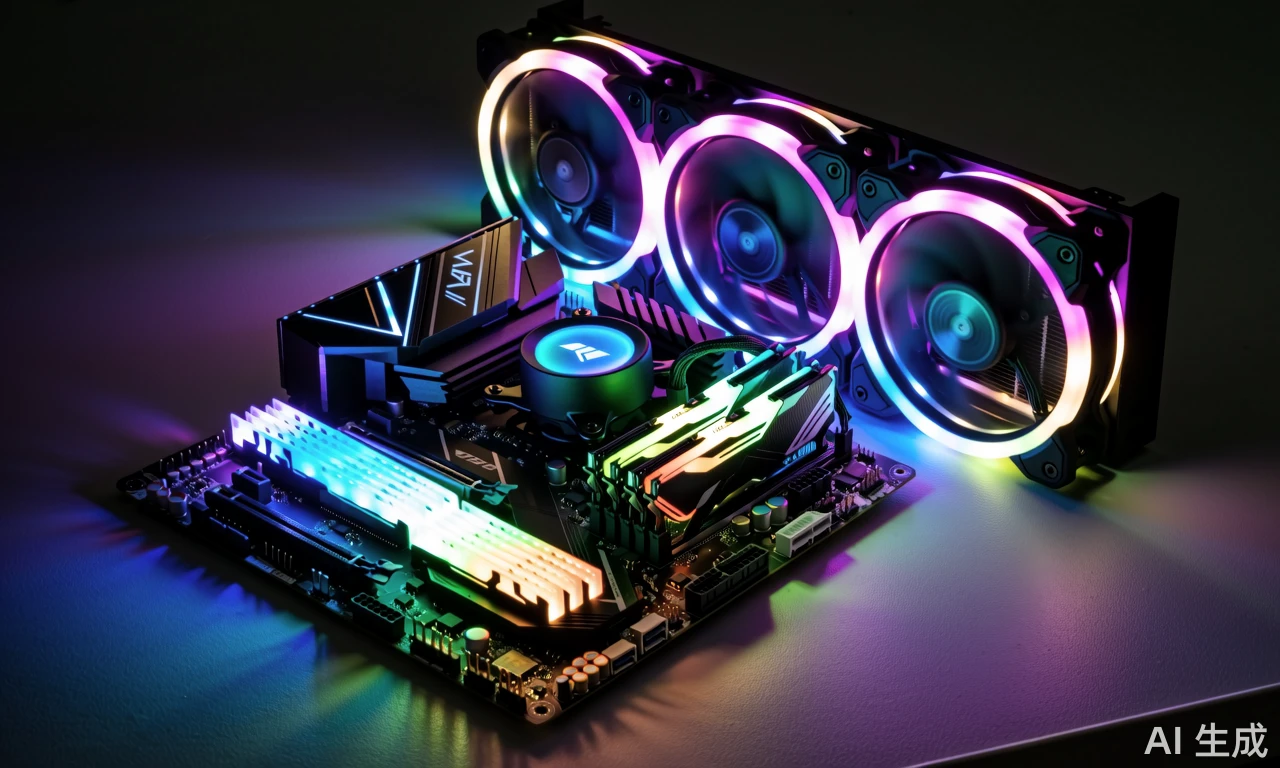
So what exactly makes ARGB so customizable? The secret lies in how each individual LED can be controlled independently through that 5V addressable header. Unlike traditional RGB where all LEDs display the same color simultaneously, ARGB lets you program each diode separately – it’s like having a tiny artist for every light source in your system. Thermaltake’s approach with nine individually addressable LEDs in their Pure 20 fan means you can create gradients, complex patterns, or even make specific sections respond differently to system temperatures or audio output.
Think about it this way: with standard RGB, you’re essentially painting with a single brush stroke across your entire system. But ARGB gives you a fine-tipped brush for every single LED, allowing for incredible precision in your lighting designs. I’ve seen builds where the lighting mimics water flowing through the system, others that pulse to music beats, and some that actually change colors based on CPU temperature – turning from cool blue to fiery red as the system heats up.
Software Integration and Creative Freedom
The real game-changer, though, is how ARGB integrates with motherboard software ecosystems. When Thermaltake mentions compatibility with ASUS Aura Sync or MSI Mystic Light, they’re not just talking about basic color matching. These platforms have evolved into sophisticated lighting studios where you can create elaborate effects that synchronize across every ARGB component in your system. I recently helped a friend set up his build where the lighting gradually shifts from one side of the case to the other, creating this beautiful wave effect that makes the entire system feel alive.
What’s particularly impressive is how manufacturers are balancing accessibility with depth. For beginners, you’ve got those preset modes Thermaltake includes – flow, ripple, pulse – that deliver professional-looking effects without any technical knowledge. But for enthusiasts who want to dive deeper, the software allows for custom programming that’s limited only by your imagination. I’ve spent hours just experimenting with different timing patterns and color combinations – it’s surprisingly addictive once you get started.
The evolution from basic RGB to sophisticated ARGB represents more than just a technical upgrade – it’s fundamentally changed how we interact with our PCs. Our systems are no longer just tools; they’ve become extensions of our personalities and creative expressions. And with companies like Thermaltake pushing the boundaries of what’s possible with larger format components, I can’t wait to see what the next generation of customizable lighting will bring to our desktop experiences.
Comment List (3):
Load More Comments Loading...