
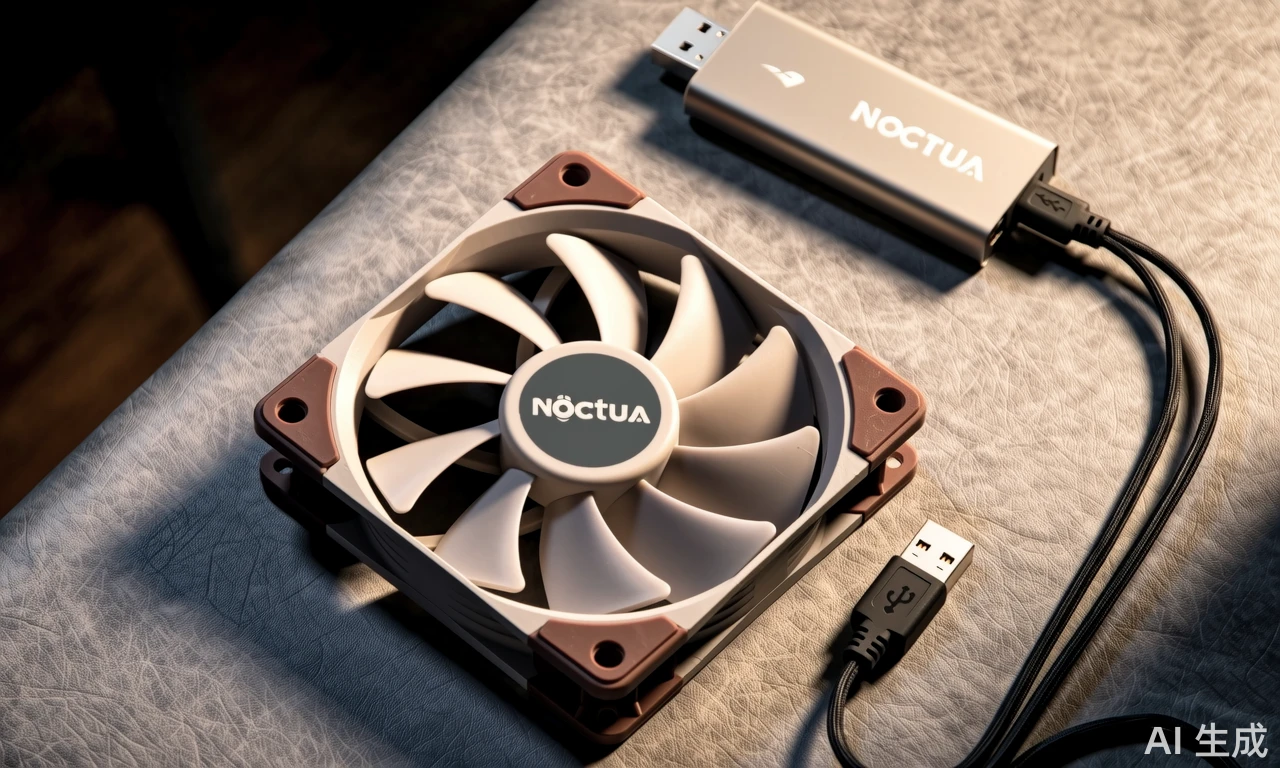
You know, I was just looking at Noctua’s new 5V fan lineup the other day and couldn’t help but wonder – can you really power these things safely through USB? I mean, we’ve all got USB ports everywhere these days, from laptop hubs to phone chargers, and the convenience factor is definitely appealing. But here’s the thing: while Noctua includes those handy USB power adapter cables with their 5V models, there are some important considerations that might not be immediately obvious.
Understanding the Power Dynamics
Let’s break this down practically. The NF-A20 5V fan draws around 0.1A at 5V – that’s just 0.5 watts of power consumption. Most modern USB ports, even the ones on laptops, can typically deliver at least 0.5A at 5V (that’s 2.5 watts). So technically speaking, the power draw shouldn’t be an issue for most USB power sources. But here’s where it gets interesting – I’ve noticed some people trying to power these fans from old phone chargers or underpowered USB hubs, and that’s where you might run into problems.
What really impressed me about Noctua’s implementation is their integrated polarity protection. Think about it – how many times have you accidentally plugged something in the wrong way? With traditional fans, that could mean instant failure, but Noctua’s built-in protection prevents damage from reverse connection, which is pretty brilliant when you’re dealing with DIY projects where wiring mistakes can happen.
Real-World Usage Scenarios
I’ve seen these fans used in some pretty creative setups – from custom 3D printer enclosures to silent cooling solutions for home theater equipment. The USB power option makes them incredibly versatile, but here’s a pro tip: if you’re using a USB power bank, make sure it can deliver consistent power. Some cheaper power banks might struggle with maintaining stable voltage under load, which could affect fan performance over time.
Another thing worth mentioning – while the standard 5V version runs at constant speed, the 5V PWM model gives you speed control through PWM signals. This is perfect for applications where you might want to adjust cooling based on temperature, like in a high-end 3D printer or a custom NAS setup. The flexibility here is honestly pretty remarkable.
So, to answer the original question – yes, you can safely power Noctua’s 5V fans via USB, but with some caveats. Use quality power sources, don’t overload your USB ports, and take advantage of that built-in protection. It’s these thoughtful engineering details that make Noctua fans worth the premium price tag, especially when you’re counting on reliability for your projects.
Comment List (7):
Load More Comments Loading...