
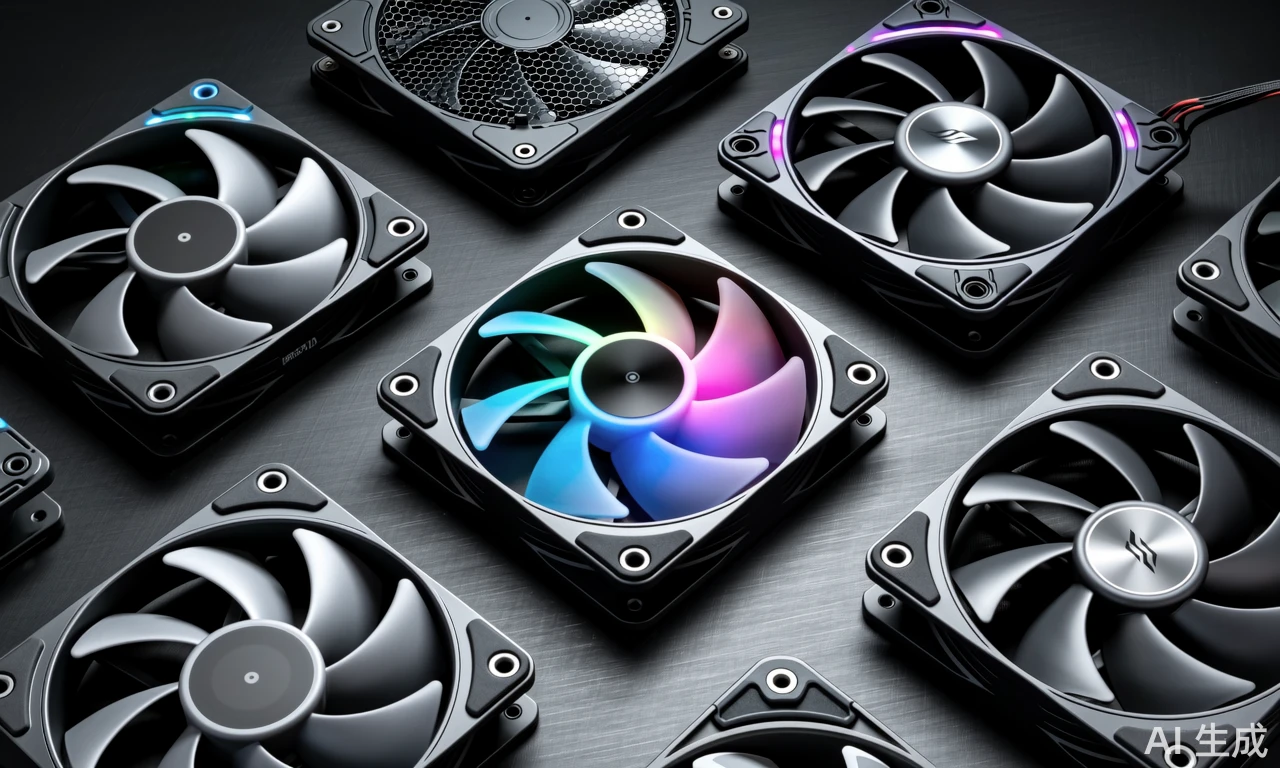
You know, when Thermaltake drops a new fan like the CT200 ARGB Sync, it really makes you think—how do you even choose the right cooling fan for your PC build? With so many options out there, from basic black boxes to these flashy RGB beasts, the decision isn’t just about looks. I’ve seen folks get so caught up in the lighting effects that they forget airflow and noise matter just as much, if not more. After all, what’s the point of a stunning setup if it sounds like a jet engine during gaming sessions?
Performance metrics that actually matter
Let’s cut to the chase: airflow (measured in CFM) and static pressure are your top priorities. Take the Thermaltake CT200, for instance—it pushes 131.6 CFM, which is pretty impressive for a 200mm fan. But here’s the thing: if you’re using it with a dense radiator or tight mesh filters, static pressure becomes crucial. That’s where some fans fall short, but the CT200 manages 1.92 mm-H₂O, striking a nice balance. And noise? At 27.2 dB, it’s quieter than most ambient room sounds—no one wants their late-night gaming disrupted by a whirring distraction.
Why size and compatibility can’t be ignored
Honestly, I’ve made the mistake of buying a fan that looked great online, only to find it didn’t fit my case properly. The CT200’s 200mm frame isn’t for everyone—it’s perfect for full-tower builds but might be overkill for compact setups. And let’s talk about those PWM controls: they’re a game-changer for tuning performance based on temperature, unlike older 3-pin models that just run at fixed speeds. It’s details like these that separate a well-planned build from a frustrating one.
At the end of the day, choosing a PC cooling fan isn’t just about specs on paper. It’s about how it fits into your actual use case—whether you’re overclocking, prioritizing silence, or going for that sleek aesthetic with ARGB sync. Products like the CT200 show that when brands get the mix right, you don’t have to sacrifice performance for style. So next time you’re shopping, remember: look beyond the lights and think about what really keeps your system cool and quiet.
Comment List (6):
Load More Comments Loading...