| Model | RF-U24HF-B1 |
|---|---|
| Size | 120 mm |
| Thickness | 25 mm |
| Speed range | 500–2400 RPM |
| Max airflow | 75.12 CFM |
| Max pressure | 3.3 mmH₂O |
| Max noise | 30.0 dBA |
| Bearing | Fluid Dynamic Bearing |
| Connector | NZXT 8-pin |
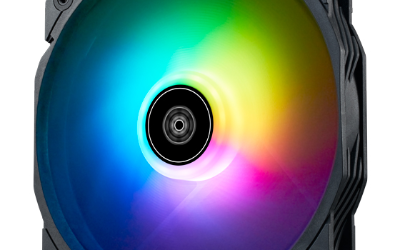
| Lighting | ARGB |
| Colour | Black |
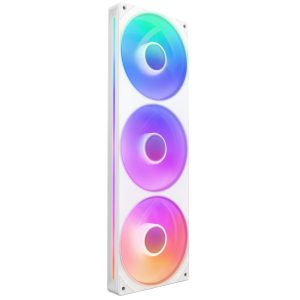
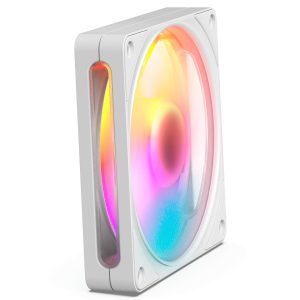
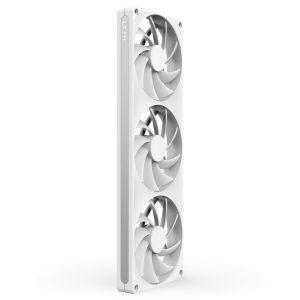
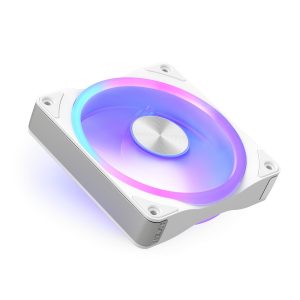
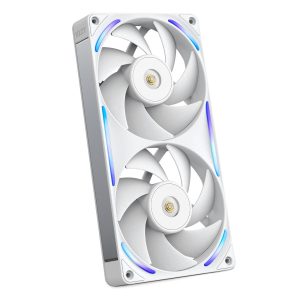
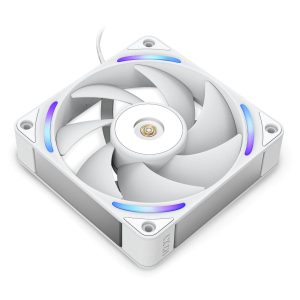
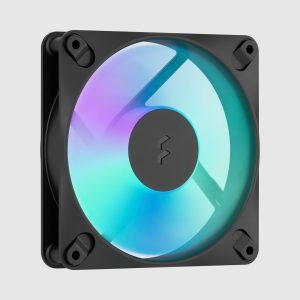
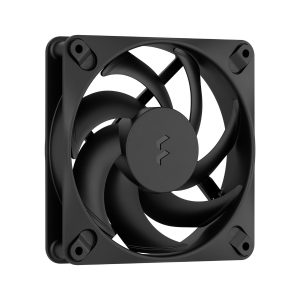
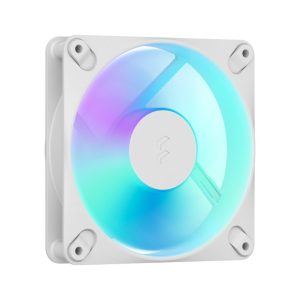
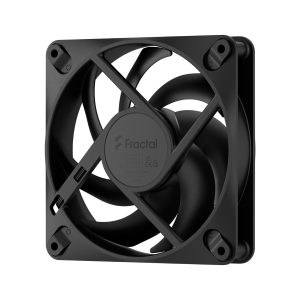
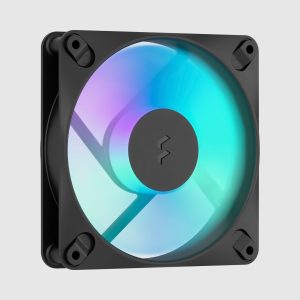
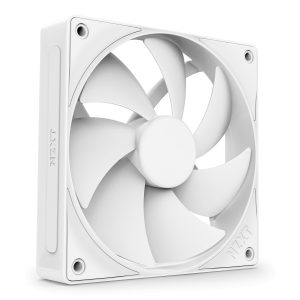
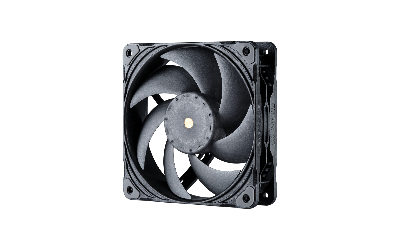
F240 RGB Core is a 25 mm thick 120 mm fan reaching 2400 RPM with 75.12 CFM and 3.3 mmH2O static pressure
More NZXT fans · All 120mm models · Browse the full fan database
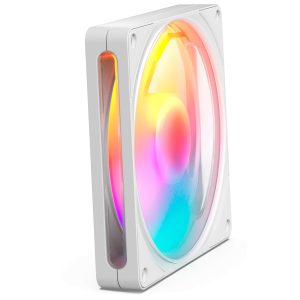
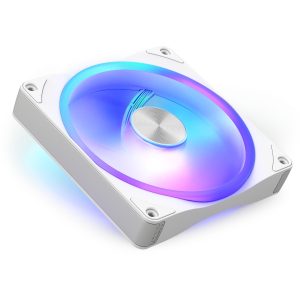
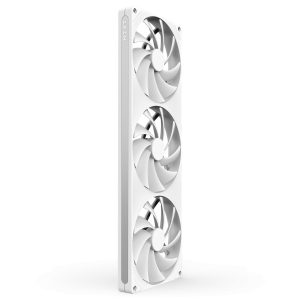
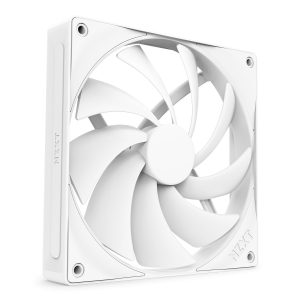
About the NZXT F240 RGB Core 240mm Single-Frame RGB Fan Unit (2 x 120mm)
The NZXT F240 RGB Core pairs two 120mm fans in a single frame, each 25mm thick and rated from 500 to 2400 RPM. The 75.12 CFM airflow figure suits open case ventilation, while the 3.3 mmH2O static pressure rating makes it the stronger choice for pushing air through radiators or dense filters. Buyers should weigh both numbers against their mounting position rather than airflow alone.
Noise is listed at 30.0 dB(A), so expect audible output near the top of the 2400 RPM range and quieter running toward the 500 RPM floor. The fluid dynamic bearing is the only bearing detail given. Connection uses the NZXT 8-pin connector, so confirm your controller or motherboard supports it before buying. ARGB lighting and a black finish are listed. The data does not list a price or release year.
Frequently asked questions
Is the NZXT F240 RGB Core quiet at low RPM?
The data lists 30.0 dB(A) as the noise figure and a 500 RPM minimum, so the fan can run well below its 2400 RPM maximum. The spec sheet does not provide separate noise readings for lower speeds.
Is the NZXT F240 RGB Core better for radiators or case airflow?
It lists 3.3 mmH2O static pressure and 75.12 CFM airflow. The static pressure figure supports radiator and filter use, while the airflow figure suits open case ventilation. Both values are manufacturer ratings, not test results.
What connector does the NZXT F240 RGB Core use?
It uses an NZXT 8-pin connector rather than a standard 4-pin PWM header. Check that your NZXT controller or motherboard setup accepts that connector before purchase, since the data lists no adapter.