| Model | CO-9050138-WW |
|---|---|
| Size | 140 mm |
| Thickness | 25 mm |
| Speed range | 300–1200 RPM |
| Max airflow | 47.3 CFM |
| Max pressure | 3.2 mmH₂O |
| Max noise | 26.0 dBA |
| Bearing | Hydraulic |
| Connector | 4-pin PWM + 3-pin RGB |
| Lighting | ARGB |
| Colour | White |
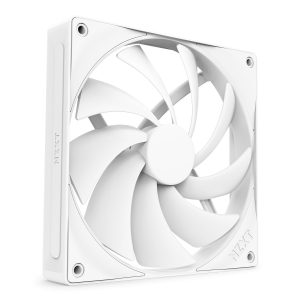
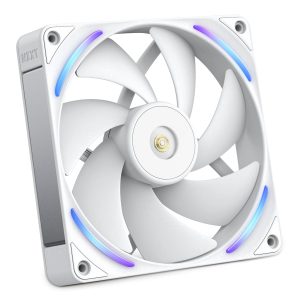
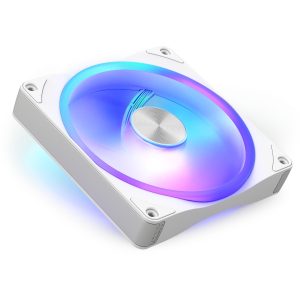
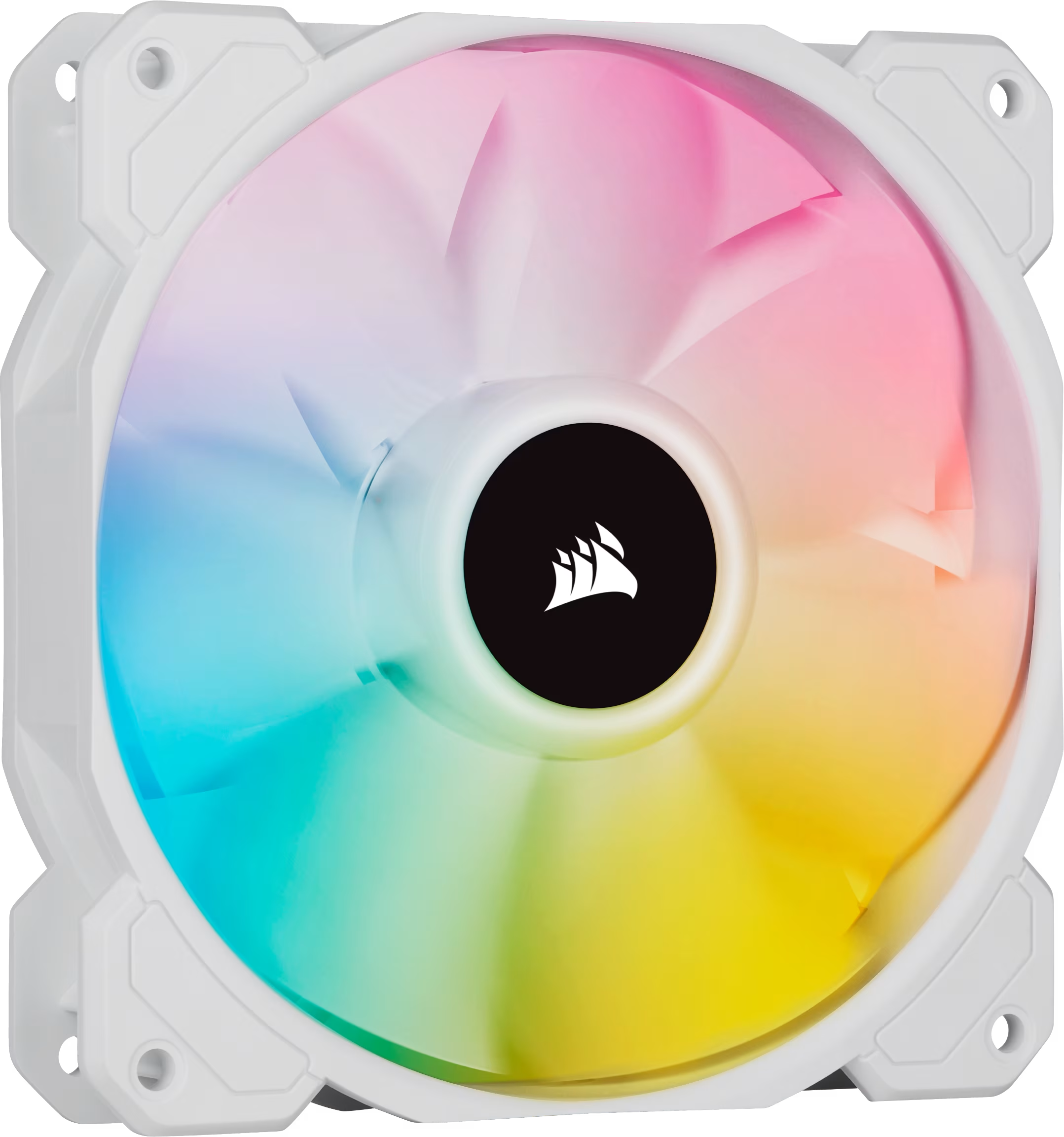
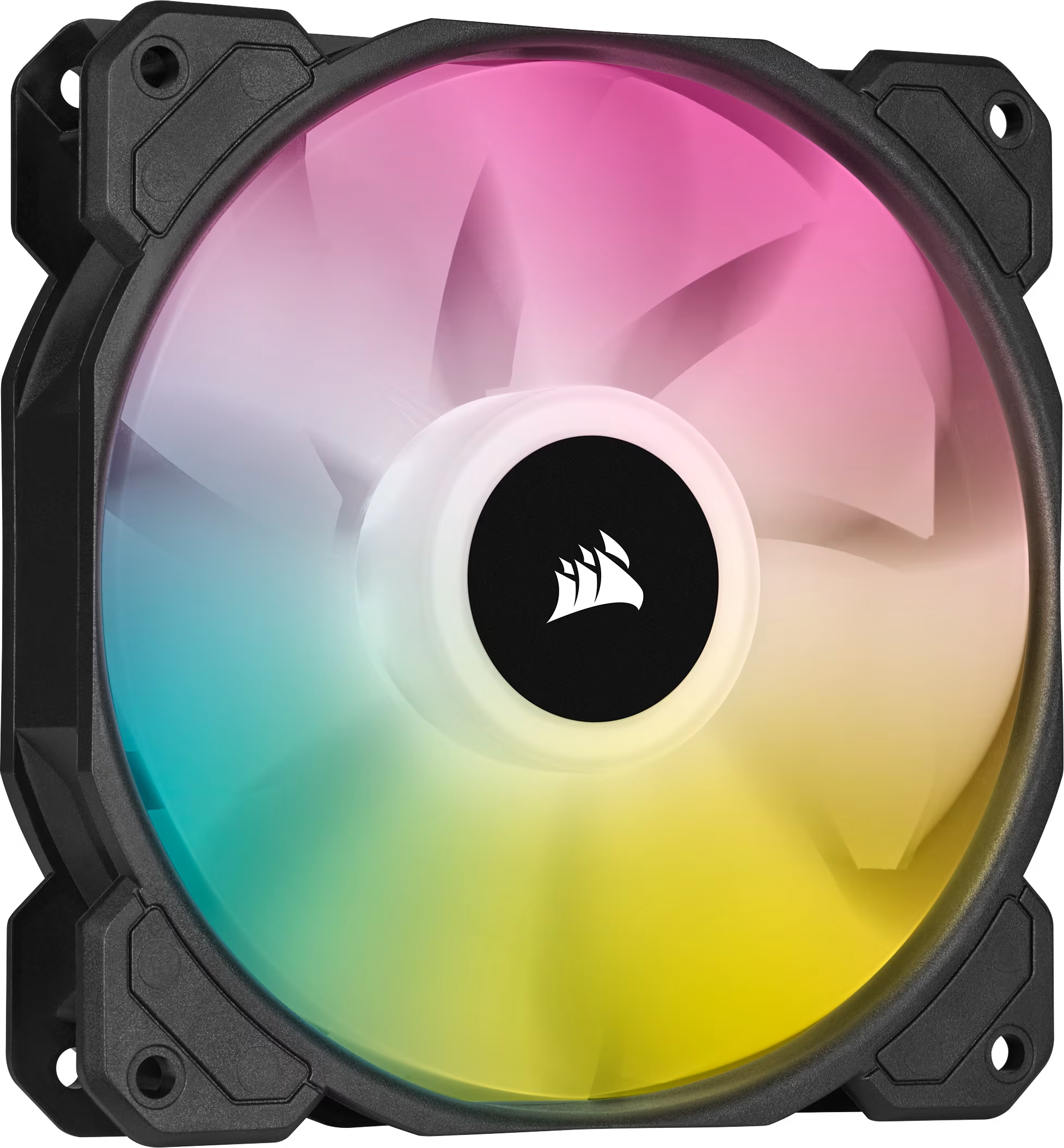
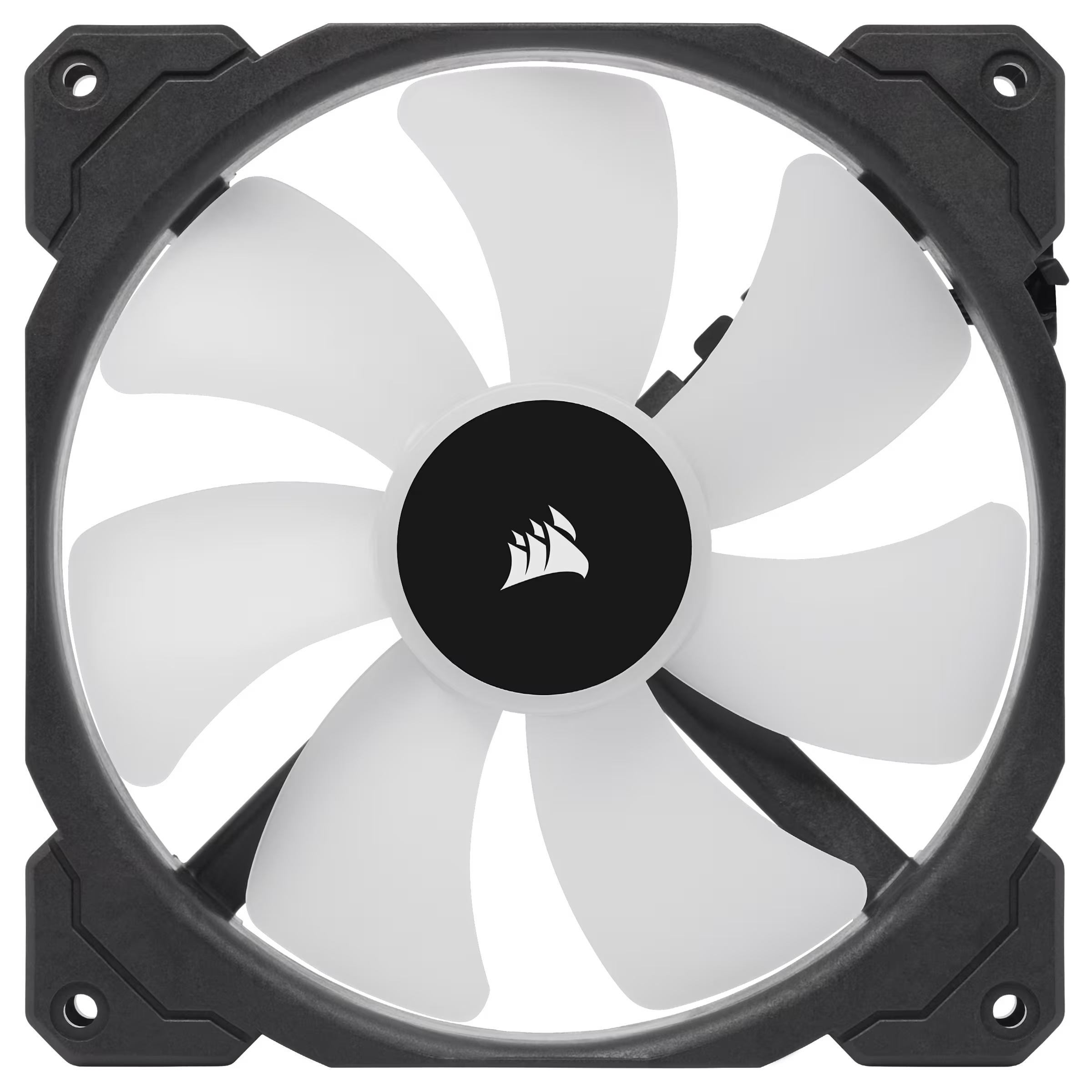
SP140 RGB ELITE is a 25 mm thick 140 mm fan reaching 1200 RPM with 47.3 CFM and 3.2 mmH2O static pressure
More Corsair fans · All 140mm models · Browse the full fan database
About the Corsair iCUE SP140 RGB ELITE 140mm PWM Fan Single Pack (White)
The SP140 RGB ELITE is built around static pressure rather than raw airflow. Its 3.2 mmH2O rating is the headline number, which makes it a sensible pick for pushing air through radiators, mesh front panels or dense dust filters where a low-pressure fan would stall. Airflow is listed at 47.3 CFM, so it is not the highest-volume 140mm option, but the pressure figure explains the intended use. Noise is rated at 26.0 dB(A) at the 1200 RPM maximum, and the 300 RPM floor lets you run it slowly when load is light.
Mounting is standard for a 140mm fan at 25mm thick, so it fits the usual 140mm case and radiator positions. The 4-pin PWM connector handles speed control from the motherboard, while a separate 3-pin RGB connector drives the ARGB lighting, so you need both headers or a compatible controller. The hydraulic bearing is the only bearing type listed. The data does not list a price or release year, so check the retailer for current pricing.
Frequently asked questions
Is the Corsair iCUE SP140 RGB ELITE quiet?
Corsair rates it at 26.0 dB(A) at its 1200 RPM maximum, and the minimum speed is 300 RPM, so you can run it slower for less noise. The data does not list noise at lower speeds.
Is this fan better for a radiator or for case airflow?
Its 3.2 mmH2O static pressure suits radiators, mesh fronts and dust filters, while airflow is 47.3 CFM. For unrestricted low-resistance case vents, a higher-airflow fan may move more air.
What connectors does the SP140 RGB ELITE need?
It uses a 4-pin PWM connector for fan speed and a separate 3-pin RGB connector for the ARGB lighting. You need a PWM header plus an RGB header or compatible controller for both to work.
More Corsair fans
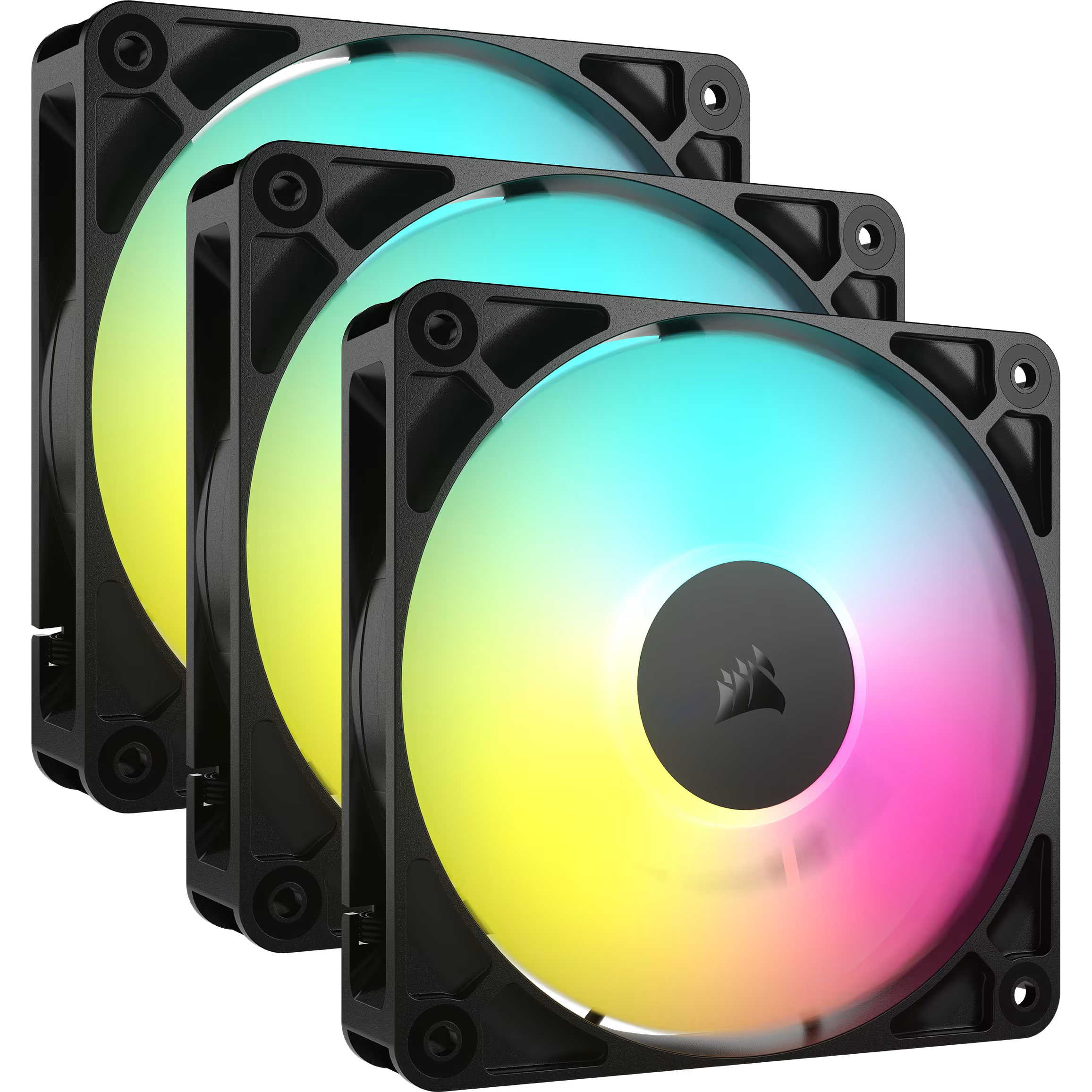 Corsair AF140 ELITE 140mm PWM Fluid Dynamic Bearing Fan (Black)
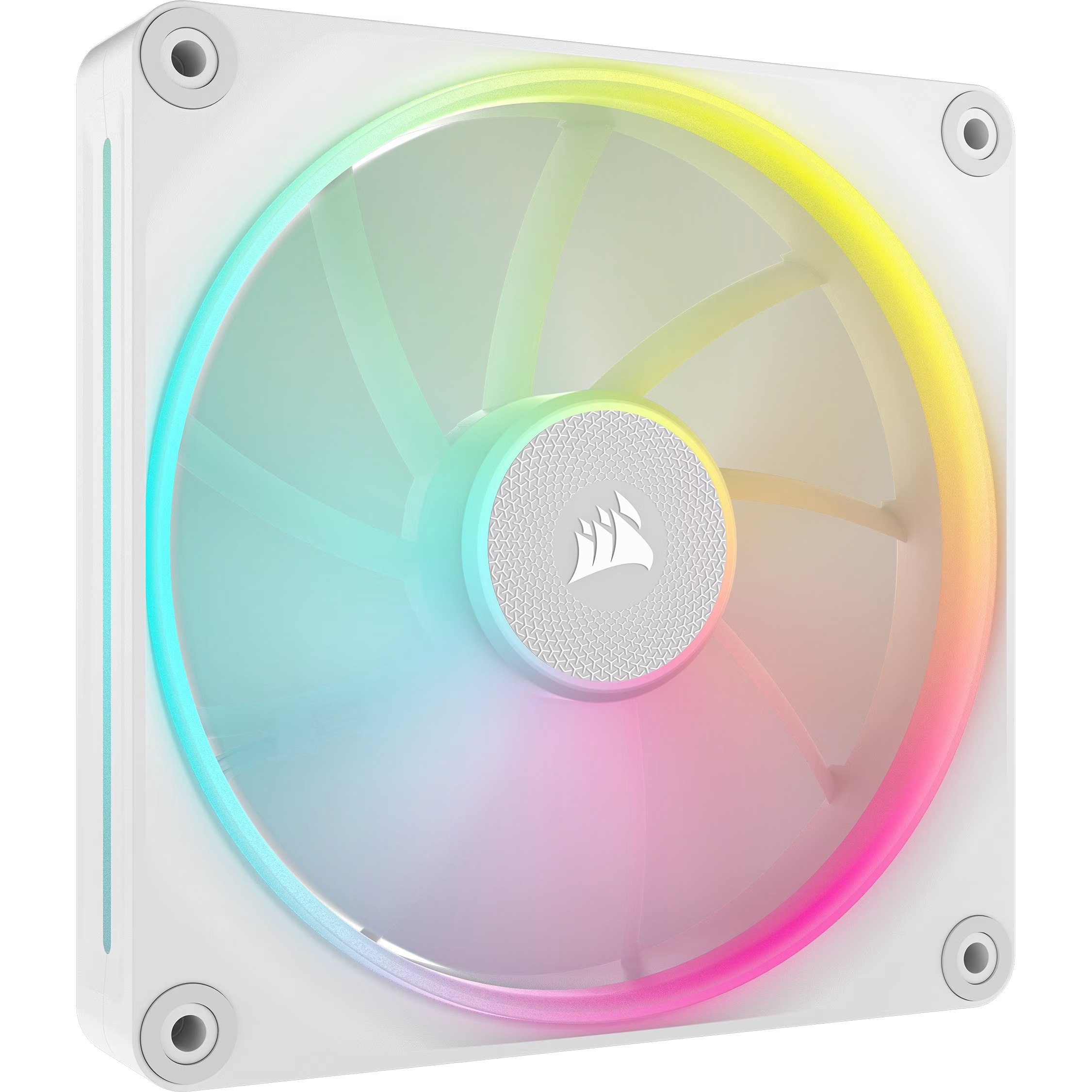 Corsair iCUE LINK LX140 RGB 140mm PWM Single Fan Expansion (White)
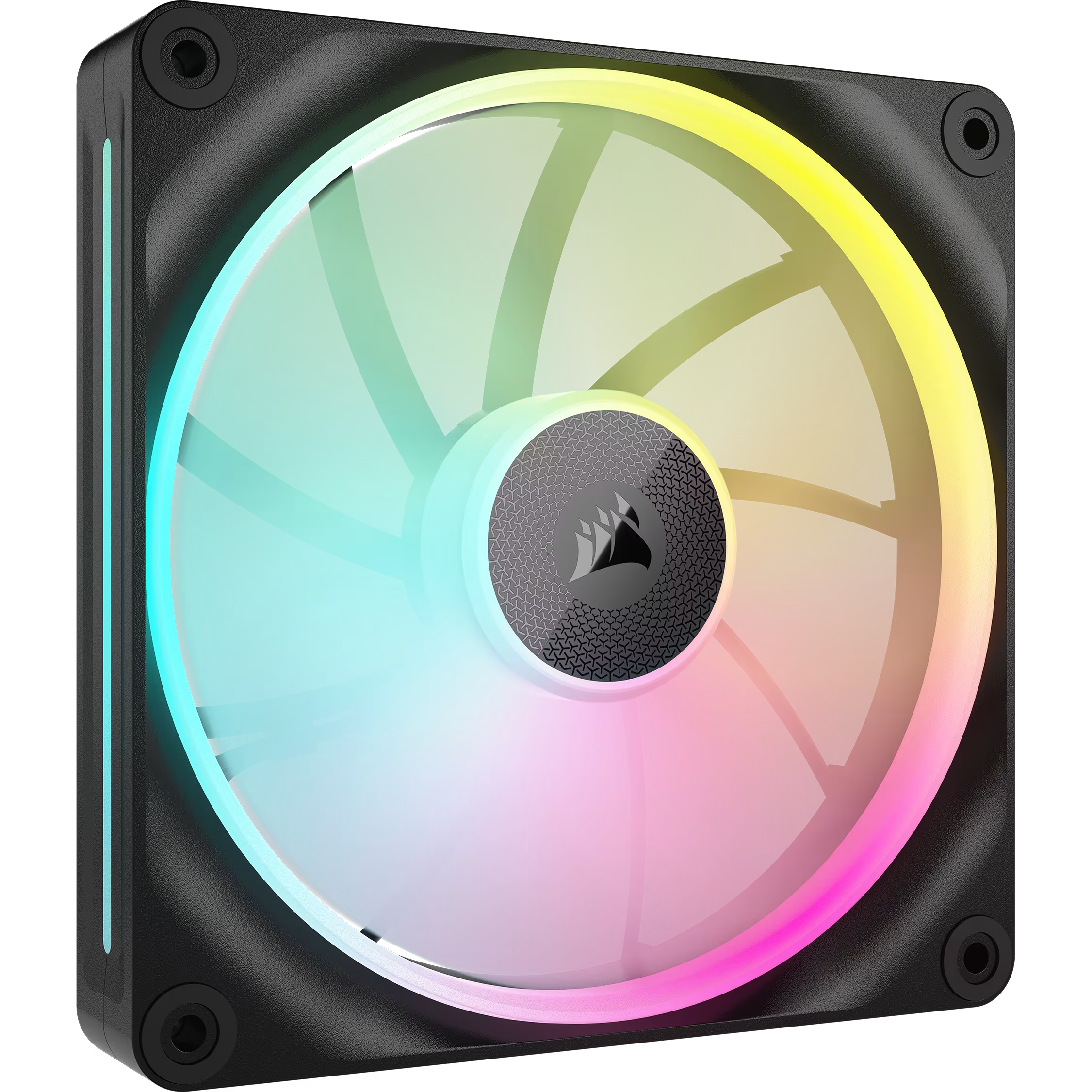 Corsair iCUE LINK LX140 RGB 140mm PWM Single Fan Expansion (Black)
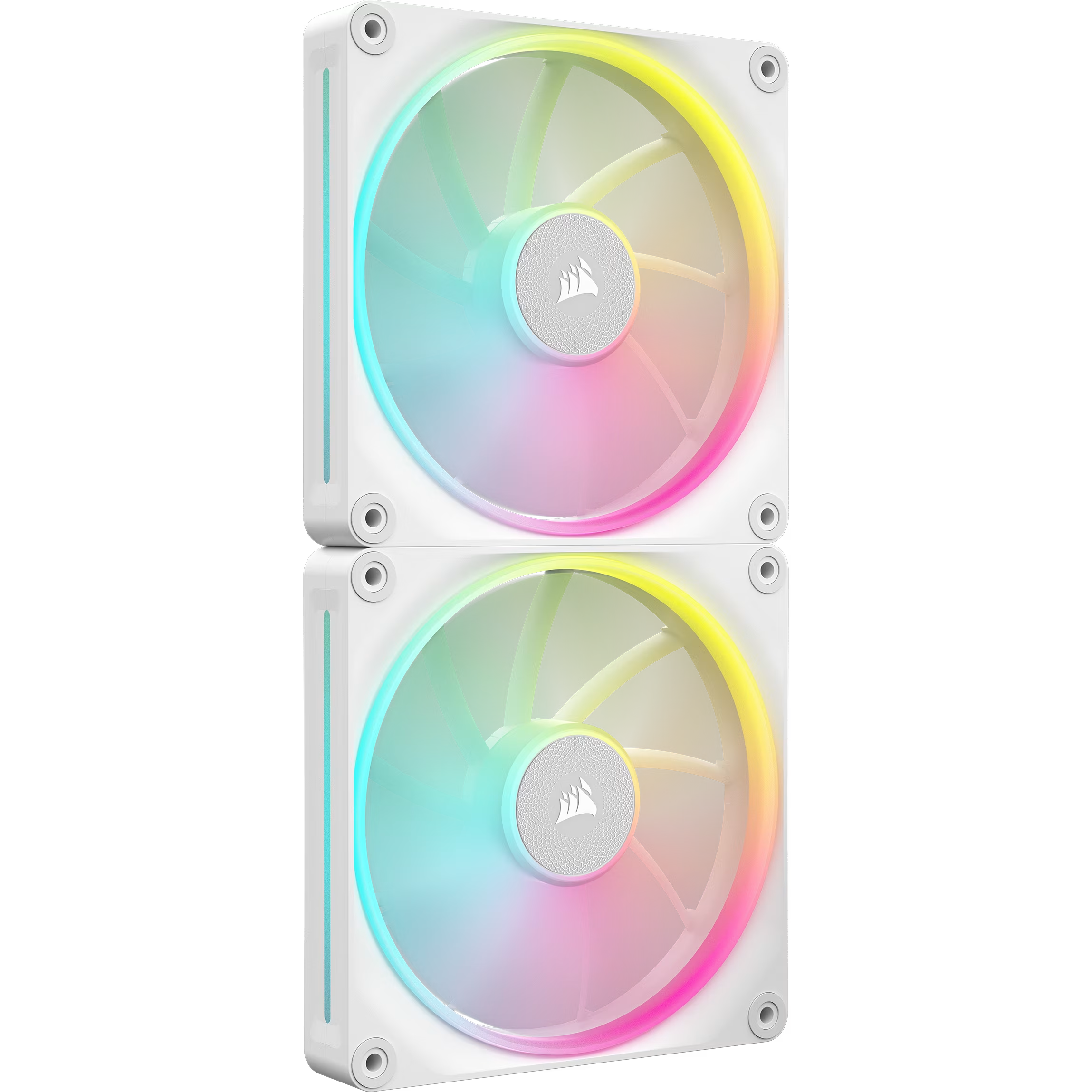 Corsair iCUE LINK LX140 RGB 140mm PWM Starter Kit (White)
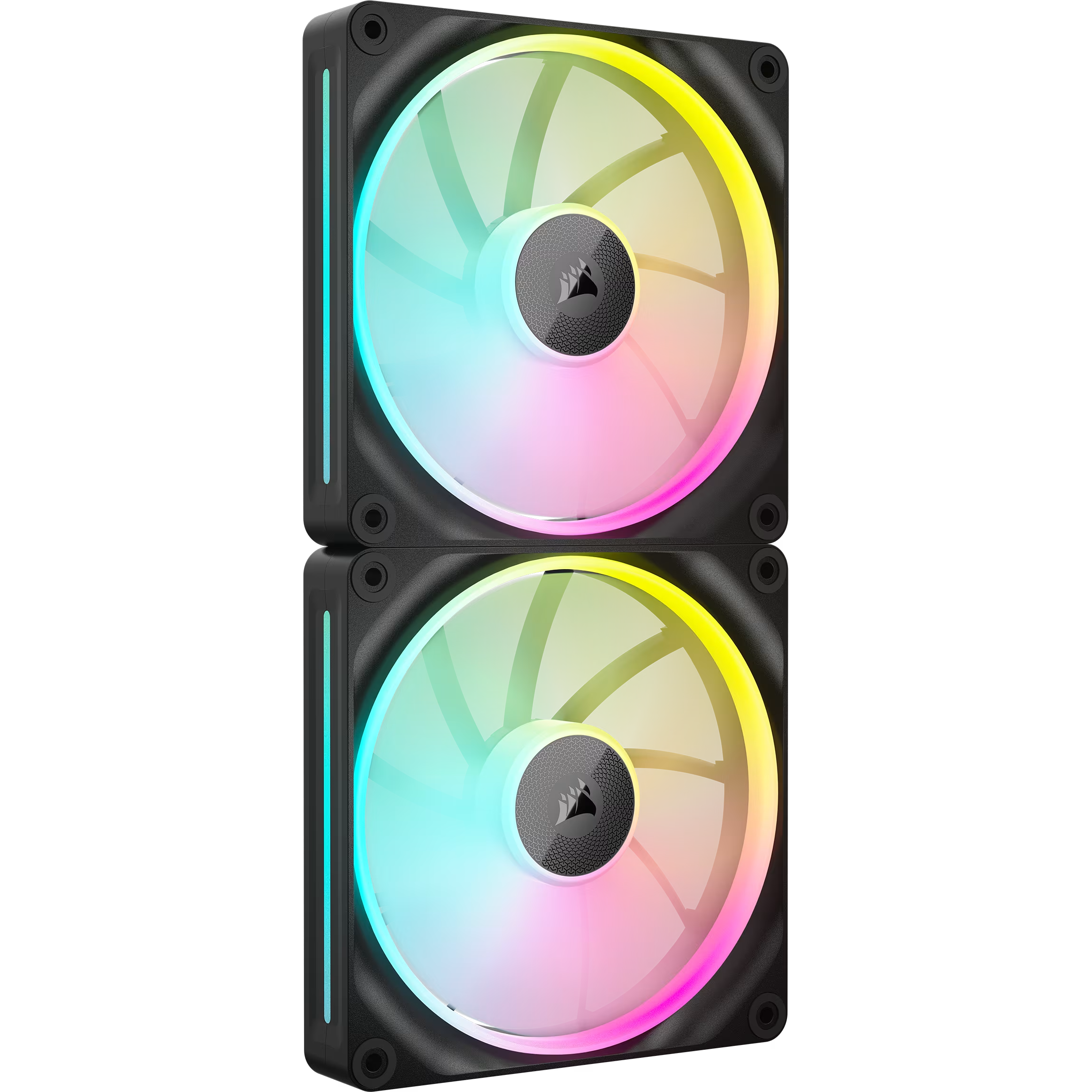 Corsair iCUE LINK LX140 RGB 140mm PWM Twin Starter Kit (Black)
 Corsair ML140