| Model | AORUS EZ CHAIN FAN 120 3P |
|---|---|
| Size | 120 mm |
| Thickness | 25 mm |
| Speed range | 600–2000 RPM |
| Max airflow | 60 CFM |
| Max pressure | 2.75 mmH₂O |
| Max noise | 29 dBA |
| Bearing | Hydraulic Bearing |
| Connector | 4-pin PWM + 3-pin ARGB |
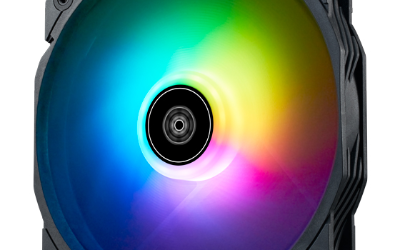
| Lighting | ARGB |
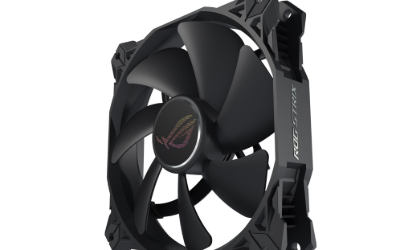
| Colour | Black |
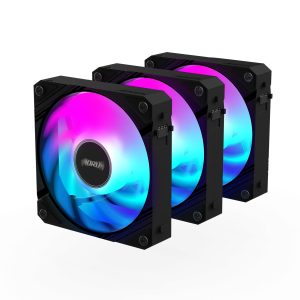
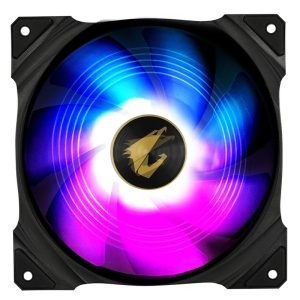
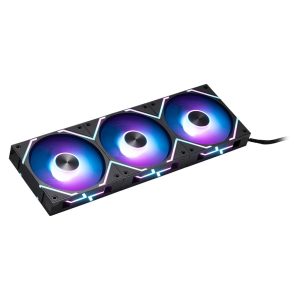
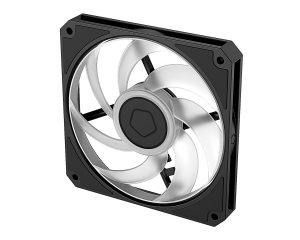
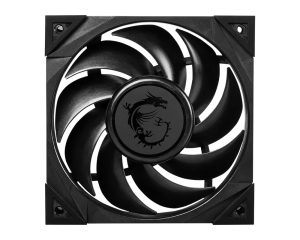
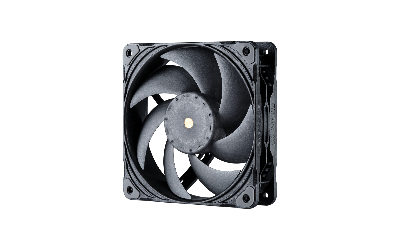
AORUS EZ CHAIN FAN 120 3P is a 120 mm 25 mm black fan rated 600-2000 RPM 60 CFM and 2.75 mmH2O 29 dBA
More GIGABYTE fans · All 120mm models · Browse the full fan database
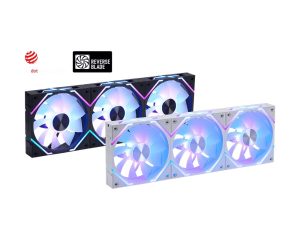
About the Gigabyte AORUS AORUS EZ Chain Fan 120 3-Pack Fan
The AORUS EZ Chain Fan 120 3-Pack pairs a 120mm diameter with a 25mm thickness, so it fits standard 120mm case and cooler mounts. Its 60 CFM airflow and 2.75 mmH2O static pressure sit in a balanced range: enough pressure for heatsinks and radiators, yet enough airflow for case intake and exhaust. The 600–2000 RPM range lets you tune between low-speed quiet running and full-speed cooling.
At full speed Gigabyte rates noise at 29 dB(A), so expect audible airflow at 2000 RPM and quieter operation toward the 600 RPM floor. Each fan uses a hydraulic bearing and connects via 4-pin PWM plus 3-pin ARGB, so your motherboard needs both headers for speed control and lighting. The three fans are black with ARGB lighting. The data does not list a price or release year, so check the retailer listing for current pricing.
Frequently asked questions
Is the Gigabyte AORUS EZ Chain Fan 120 3-Pack quiet?
Gigabyte rates it at 29 dB(A) at its 2000 RPM maximum. With a 600 RPM minimum, PWM control lets you run it slower for less noise, though the data does not list noise at lower speeds.
Is this fan better for case airflow or radiators?
It offers 60 CFM airflow and 2.75 mmH2O static pressure, a balanced combination. That makes it suitable for both case intake and exhaust and for pushing air through heatsinks or radiators, per the listed figures.
What connectors and size does the AORUS EZ Chain Fan 120 need?
Each fan is 120mm in diameter and 25mm thick, fitting standard 120mm mounts. It uses a 4-pin PWM connector for speed control plus a 3-pin ARGB connector for lighting, so your motherboard needs both headers.