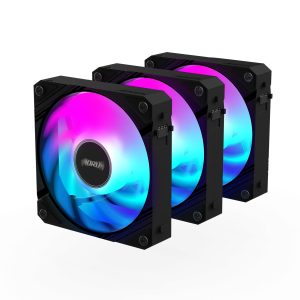
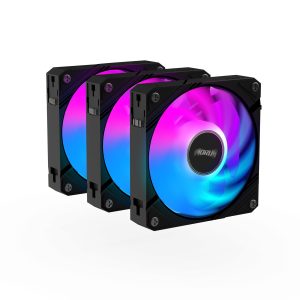
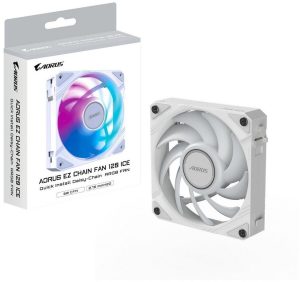
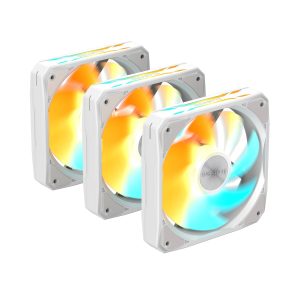
| Model | AORUS 120 ARGB GP-AR120RFAN |
|---|---|
| Size | 120 mm |
| Thickness | 25 mm |
| Speed range | 800–1700 RPM |
| Max airflow | 40.85 CFM |
| Max pressure | 1.48 mmH₂O |
| Max noise | 28.6 dBA |
| Bearing | Sleeve Bearing |
| Connector | 4-pin PWM + 3-pin ARGB |
| Lighting | ARGB |
| Colour | Black |
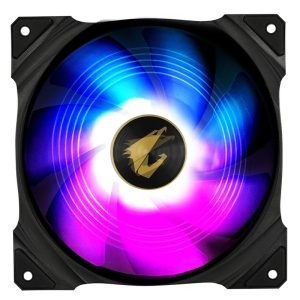
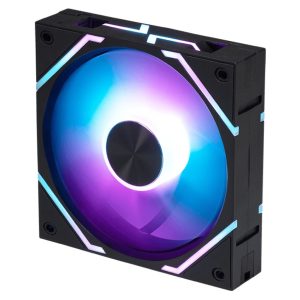
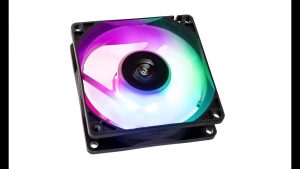
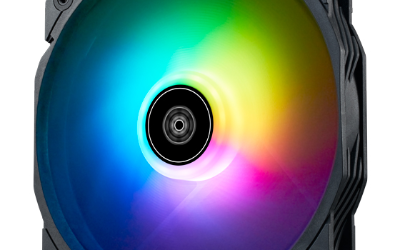
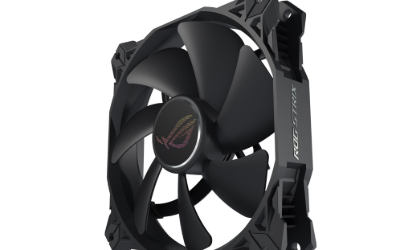
AORUS 120 ARGB GP-AR120RFAN is a 120 mm 25 mm black fan rated 800-1700 RPM 40.85 CFM and 1.48 mmH2O 28.6 dBA
More GIGABYTE fans · All 120mm models · Browse the full fan database
About the Gigabyte AORUS AORUS 120 ARGB Fan Fan
The AORUS 120 ARGB moves 40.85 CFM at a maximum 1700 RPM, with a listed static pressure of 1.48 mmH2O. That balance suits case ventilation and airflow-focused builds better than dense radiators or heavily restricted front panels, where higher pressure fans are usually preferred. Buyers should treat the 1.48 mmH2O figure as modest and plan radiator use accordingly.
Noise is rated at 28.6 dB(A) at full speed, so expect the fan to be audible at 1700 RPM and quieter toward the 800 RPM minimum. The sleeve bearing is a simpler, lower-cost design than fluid dynamic bearings. Mounting is standard 120mm with 25mm thickness, and the 4-pin PWM plus 3-pin ARGB connectors require a PWM header and an ARGB header. The data does not list a price or release year.
Frequently asked questions
Is the Gigabyte AORUS 120 ARGB fan quiet?
Gigabyte rates it at 28.6 dB(A) at its 1700 RPM maximum, so it will be audible at full speed. It can run as low as 800 RPM via 4-pin PWM, which should reduce noise, though the data does not list a sound figure for that speed.
Is the AORUS 120 ARGB good for a radiator or case airflow?
With 40.85 CFM and 1.48 mmH2O static pressure, it is better suited to case airflow than to dense radiators or restrictive panels, where higher pressure fans are typically chosen. The data does not include radiator-specific performance figures.
What connectors and size does the AORUS 120 ARGB need?
It is a 120mm fan with 25mm thickness, so it fits standard 120mm mounts. It uses a 4-pin PWM connector for speed control plus a separate 3-pin ARGB connector, so your motherboard or controller needs both a PWM header and an ARGB header.