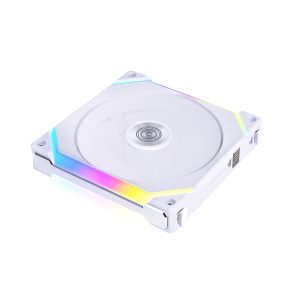
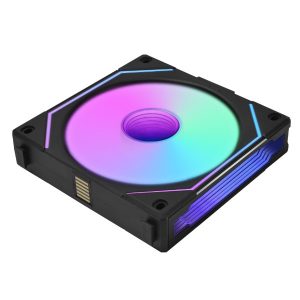
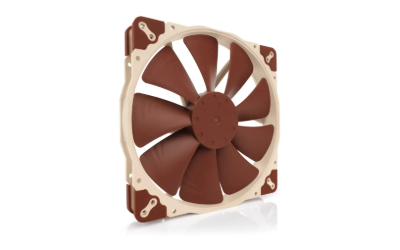
| Model | UF-SL140V2-1B |
|---|---|
| Size | 140 mm |
| Thickness | 25 mm |
| Speed range | –1600 RPM |
| Max airflow | 77.6 CFM |
| Max pressure | 2.09 mmH₂O |
| Max noise | 29 dBA |
| Bearing | Fluid Dynamic Bearing |
| Connector | 4-Pin PWM + 3-Pin ARGB |
| Lighting | ARGB |
| Colour | Black |
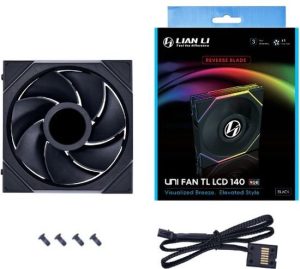
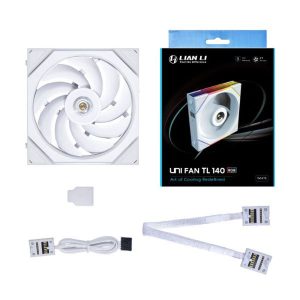
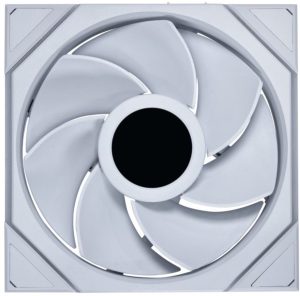
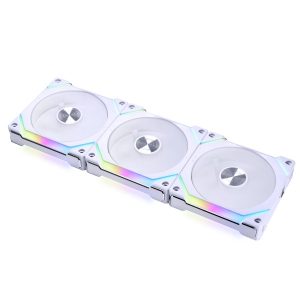
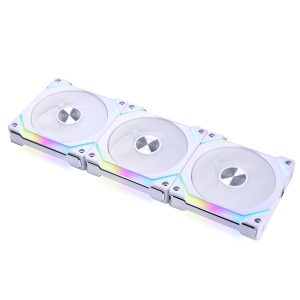
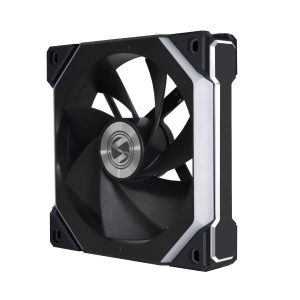
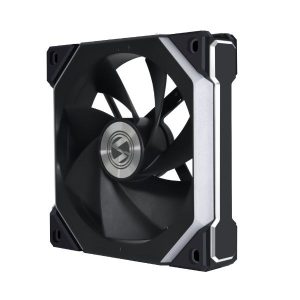
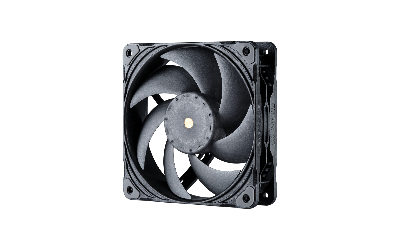
UNI FAN SL140 V2 is a 25 mm thick 140 mm ARGB fan with 1600 RPM and 77.6 CFM for case airflow
More Lian Li fans · All 140mm models · Browse the full fan database
About the Lian Li UNI FAN SL140 V2 Black
The Lian Li UNI FAN SL140 V2 Black is a 140mm, 25mm-thick fan rated at 1600 RPM, delivering 77.6 CFM of airflow alongside 2.09 mmH2O of static pressure. That balance suits both open case ventilation and mildly restrictive intake filters or mesh panels, though buyers pushing through dense radiators or thick dust filters should weigh the static pressure figure against their specific restriction. Noise is listed at 29 dB(A) at maximum speed, so expect the fan to be audible under full load and quieter when PWM ramps it down.
Mounting uses standard 140mm 25mm spacing, and the fan connects via a 4-Pin PWM header for speed control plus a separate 3-Pin ARGB connector for lighting, so your motherboard or controller needs both. The fluid dynamic bearing is the stated bearing type. The manufacturer data does not list a price or release year, so check current retail listings for cost.
Frequently asked questions
Is the Lian Li UNI FAN SL140 V2 Black quiet?
Lian Li rates it at 29 dB(A) at its 1600 RPM maximum. That is the manufacturer's noise figure at full speed, and PWM control lets the fan run slower and quieter when your system does not need maximum airflow.
Is this fan better for case airflow or radiators?
It lists 77.6 CFM airflow and 2.09 mmH2O static pressure, a balanced pairing. It suits case intake and exhaust well, while the static pressure figure gives it some ability to push through mild restriction such as mesh or filters.
What connectors does the SL140 V2 Black need?
It uses a 4-Pin PWM connector for fan speed control and a separate 3-Pin ARGB connector for the lighting. Your motherboard or ARGB controller must provide both connections for the fan to spin with PWM control and light up.