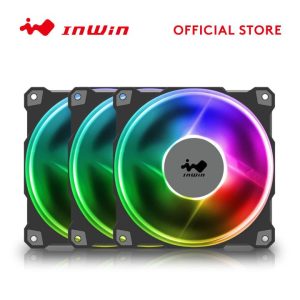
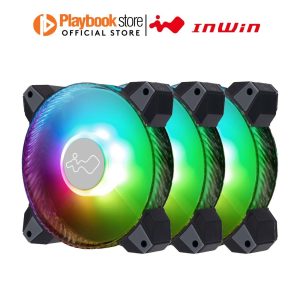
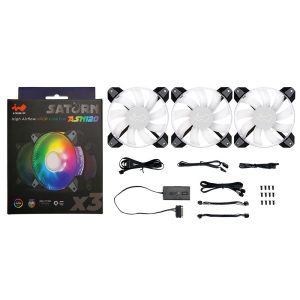
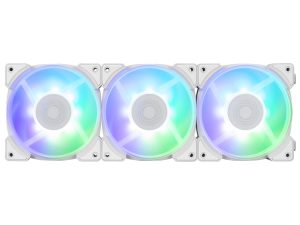
| Model | Jupiter AJ120 IW-FN-AJ120-1PK |
|---|---|
| Size | 120 mm |
| Thickness | 25 mm |
| Speed range | 500–1800 RPM |
| Max airflow | 70.32 CFM |
| Max pressure | 2.62 mmH₂O |
| Max noise | 35 dBA |
| Bearing | Sleeve Bearing |
| Connector | 4-pin PWM + 3-pin ARGB |
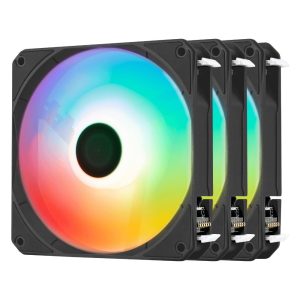
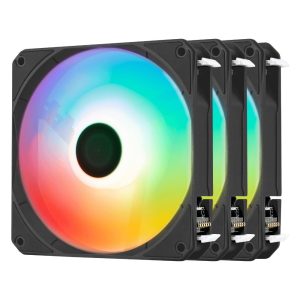
| Lighting | ARGB |
| Colour | Black |
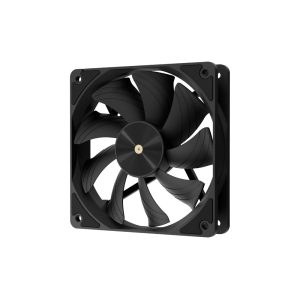
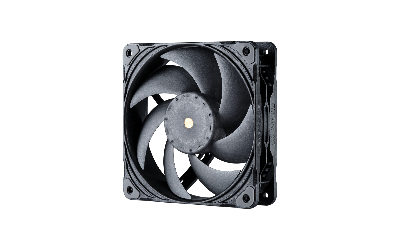
Jupiter AJ120 IW-FN-AJ120-1PK is a 120 mm 25 mm black fan rated 500-1800 RPM 70.32 CFM and 2.62 mmH2O 35 dBA
More InWin fans · All 120mm models · Browse the full fan database
About the InWin Jupiter AJ120 Fan
The InWin Jupiter AJ120 is a 120mm by 25mm fan built around a sleeve bearing and a 4-pin PWM connector, so speed control depends on your motherboard header. Its 500 to 1800 RPM range covers idle and load situations, while the listed 70.32 CFM airflow and 2.62 mmH2O static pressure suggest it can move air through open case areas and still push against some restriction such as a mesh front or a modest heatsink. Buyers should treat it as a general-purpose case fan first rather than a dedicated radiator fan.
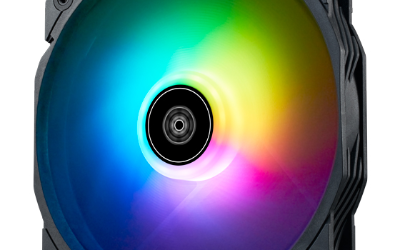
The 35 dB(A) figure is the manufacturer's rating at its maximum, so expect the fan to be audible near 1800 RPM and quieter when PWM lowers the speed. ARGB lighting runs from a separate 3-pin ARGB connector, meaning you need both a PWM header and an ARGB header, or a controller, for lighting. The data does not list a price or release year, so check the retailer for current pricing.
Frequently asked questions
Is the InWin Jupiter AJ120 quiet?
InWin rates it at 35 dB(A), which is the manufacturer figure tied to its 1800 RPM maximum. Because it uses 4-pin PWM and starts at 500 RPM, you can lower the speed for quieter running, depending on your motherboard settings.
Is the Jupiter AJ120 good for a radiator or heatsink?
Its listed 2.62 mmH2O static pressure and 70.32 CFM airflow mean it can handle some restriction, but InWin presents it as a 120mm case fan. The data does not specify radiator compatibility, so confirm your cooler's requirements before buying.
What connectors does the InWin Jupiter AJ120 need?
It uses a 4-pin PWM connector for fan power and speed control, plus a separate 3-pin ARGB connector for lighting. Your motherboard or an ARGB controller must provide both headers for the fan and its lighting to work.