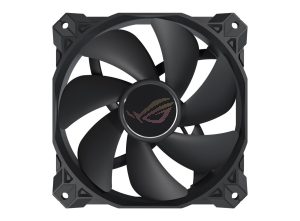
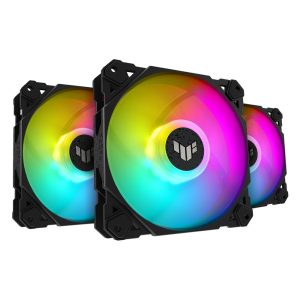
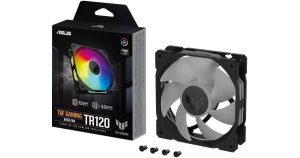
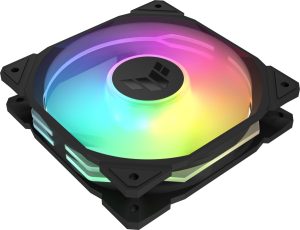
| Model | TUF GAMING TR120 ARGB |
|---|---|
| Size | 120 mm |
| Thickness | 28 mm |
| Speed range | 2000–2000 RPM |
| Max airflow | 77.4 CFM |
| Max pressure | 3.3 mmH₂O |
| Max noise | 29 dBA |
| Bearing | Hydraulic Bearing |
| Connector | 4-pin PWM + 3-pin ARGB |
| Lighting | ARGB |
| Colour | Black |
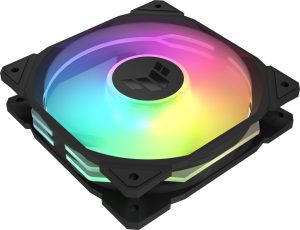
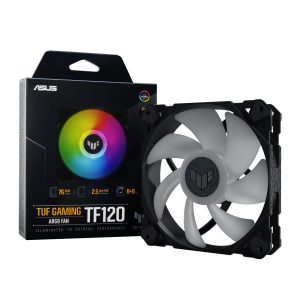
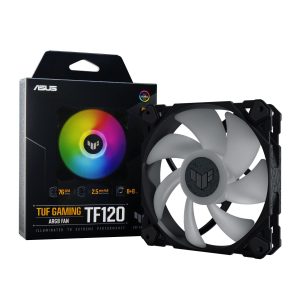
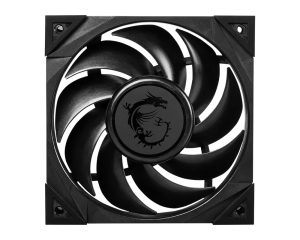
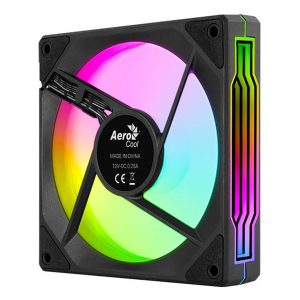
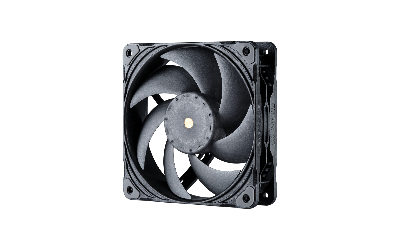
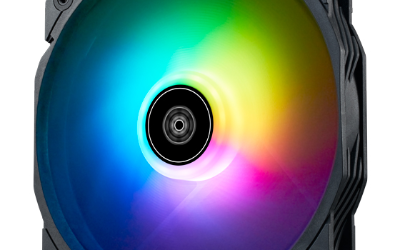
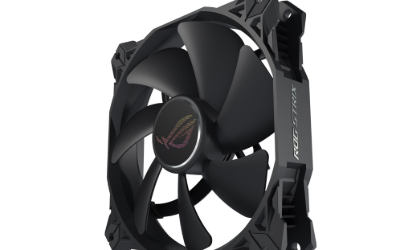
TUF GAMING TR120 ARGB is a 120 mm 28 mm black fan rated 2000 RPM 77.4 CFM and 3.3 mmH2O 29 dBA with ARGB lighting
More ASUS fans · All 120mm models · Browse the full fan database
About the ASUS ROG / TUF TUF Gaming TR120 ARGB Black Fan
The TUF Gaming TR120 ARGB Black is a 120 mm fan with a 28 mm frame, so it is slightly thicker than standard 25 mm fans and needs a little extra clearance at the mounting point. Its 3.3 mmH2O static pressure is the standout figure, making it a sensible choice for heatsinks, radiators and mesh-front intakes where airflow meets resistance. The 77.4 CFM airflow figure means it also moves a healthy volume of air in open case positions.
Noise is rated at 29 dB(A) at the single 2000 RPM speed, and the data does not list a lower operating range, so expect one fixed high-speed profile rather than a wide curve. The hydraulic bearing is specified for long-term use. A 4-pin PWM connector handles speed control and a separate 3-pin ARGB header drives the lighting, so your motherboard needs both. Price and release year are not listed in the data.
Frequently asked questions
Is the TUF Gaming TR120 ARGB Black quiet at full speed?
ASUS rates it at 29 dB(A) at its 2000 RPM speed. The data lists only that single RPM figure, so there is no lower-speed noise rating to compare. Treat 29 dB(A) as the expected level when the fan runs at full speed.
Is this fan better for a radiator or as a case fan?
Its 3.3 mmH2O static pressure suits radiators, heatsinks and restrictive mesh intakes, while 77.4 CFM gives strong airflow for open case mounting. The 28 mm thickness means checking clearance before fitting it to a radiator or tight top panel.
What connectors does the TR120 ARGB Black need?
It uses a 4-pin PWM connector for fan speed control plus a separate 3-pin ARGB header for the lighting. Your motherboard or controller must provide both headers, otherwise the fan will run but the ARGB lighting will not be driven.