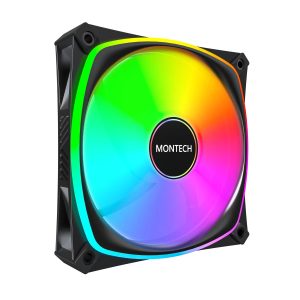
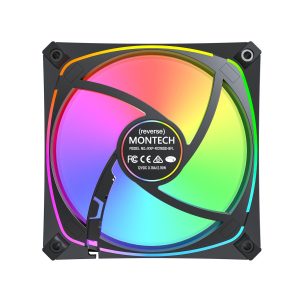
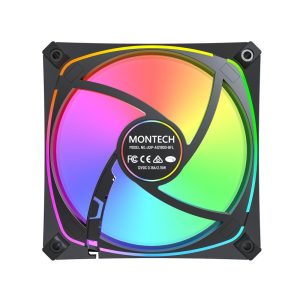
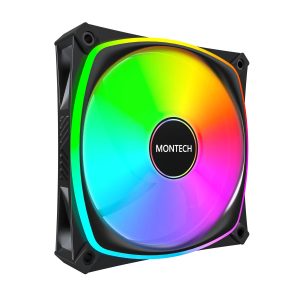
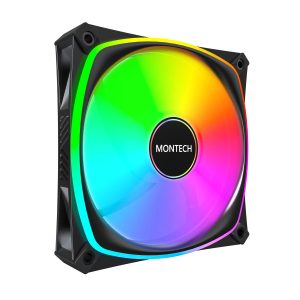
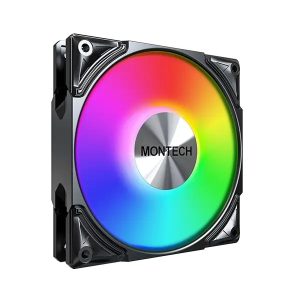
| Model | RX120 PRO |
|---|---|
| Size | 120 mm |
| Thickness | 25 mm |
| Speed range | 600–1600 RPM |
| Max airflow | 72.3 CFM |
| Max pressure | 1.85 mmH₂O |
| Max noise | 27.8 dBA |
| Bearing | Sleeve Bearing |
| Connector | 4-pin PWM + 3-pin ARGB |
| Lighting | ARGB |
| Colour | Black |
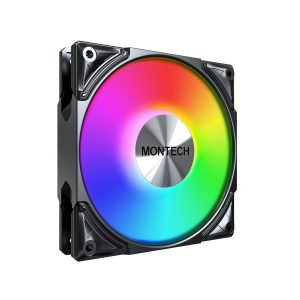
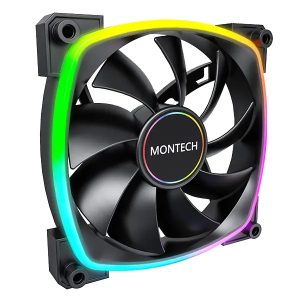
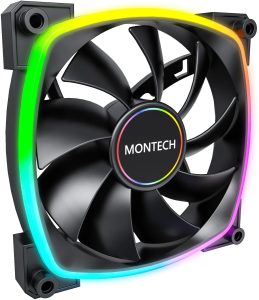
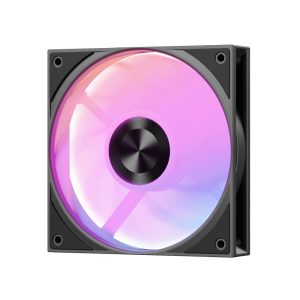
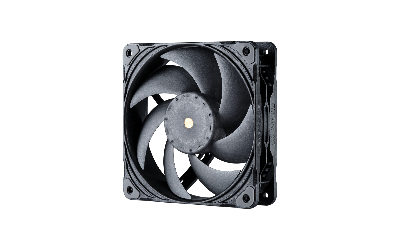
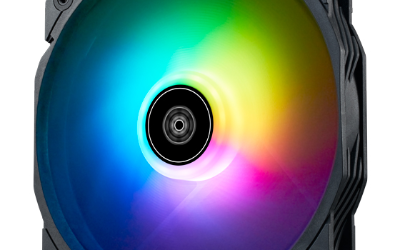
RX120 PRO is a 120 mm 25 mm black fan rated 600-1600 RPM 72.3 CFM and 1.85 mmH2O 27.8 dBA with ARGB lighting
More Montech fans · All 120mm models · Browse the full fan database
About the MONTECH RX120 PRO Fan
The MONTECH RX120 PRO is a 120mm by 25mm fan built around a 600 to 1600 RPM range, so it can idle quietly and still push up to 72.3 CFM at full speed. Its 1.85 mmH2O static pressure is modest, which points to open case airflow and low-restriction mesh or vented panels rather than dense radiators or thick dust filters. Buyers running a heatsink or thin radiator should weigh that figure against their restriction.
Noise is rated at 27.8 dB(A), which is the manufacturer's figure at its tested condition, so expect the fan to be audible near 1600 RPM and quieter toward the 600 RPM floor. Mounting is standard 120mm with 25mm thickness, and the 4-pin PWM connector allows speed control from the motherboard while the separate 3-pin ARGB header drives the lighting. The bearing is listed as sleeve. The data does not list a price or release year, and the colour is black.
Frequently asked questions
Is the MONTECH RX120 PRO quiet?
Montech rates it at 27.8 dB(A), and the 600 RPM minimum lets you run it slowly. Actual noise depends on your speed curve and case, so the data gives only the manufacturer's figure.
Is the RX120 PRO good for a radiator or CPU cooler?
Its static pressure is 1.85 mmH2O with 72.3 CFM airflow, which suits open case airflow. For dense radiators or thick filters, the listed pressure is modest, so check your cooler's restriction before choosing it.
What connectors and size does the RX120 PRO need?
It is a 120mm fan with 25mm thickness, using a 4-pin PWM connector for speed control plus a separate 3-pin ARGB header for lighting. Your motherboard or controller needs an ARGB header to run the LEDs.